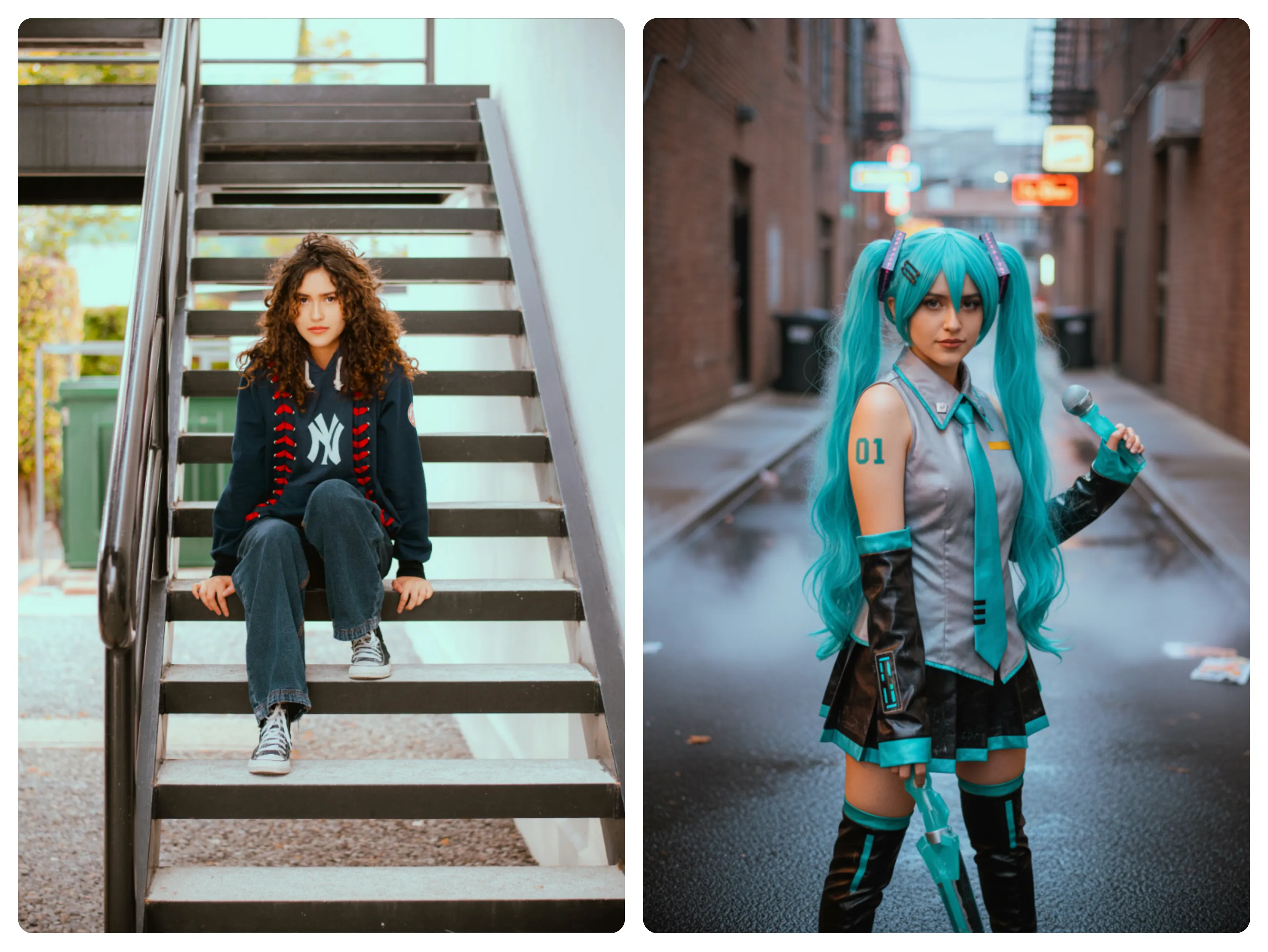
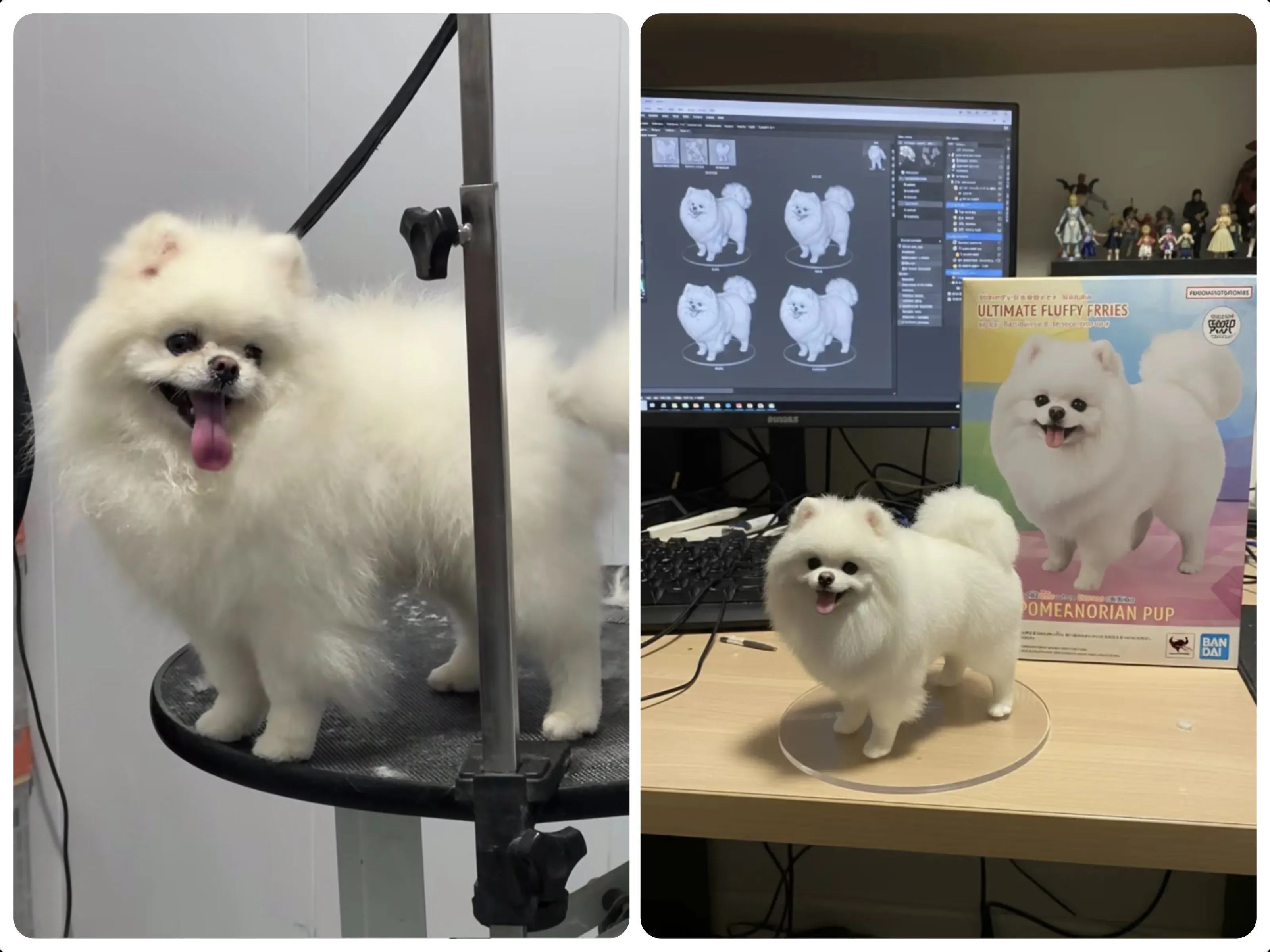
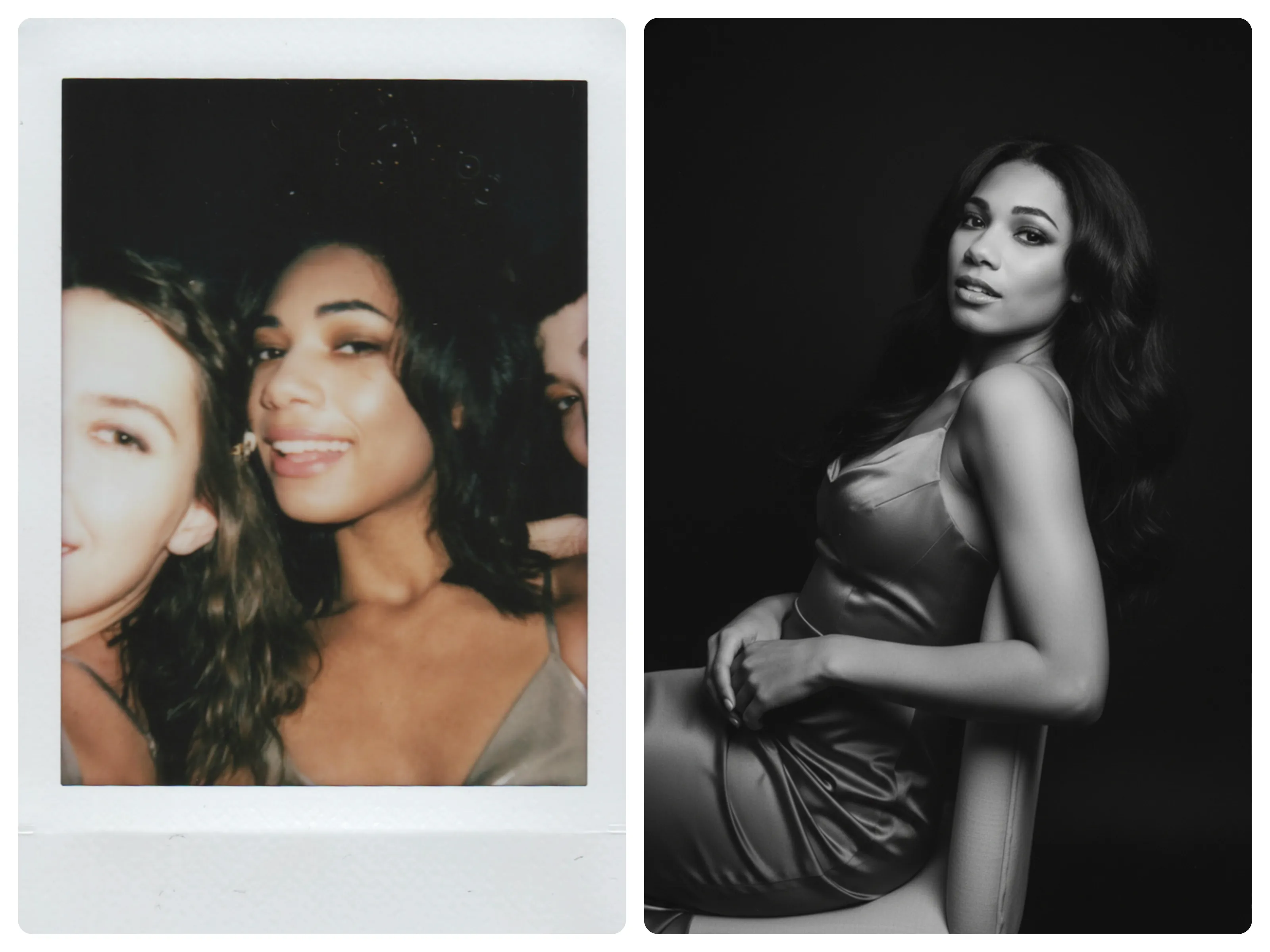
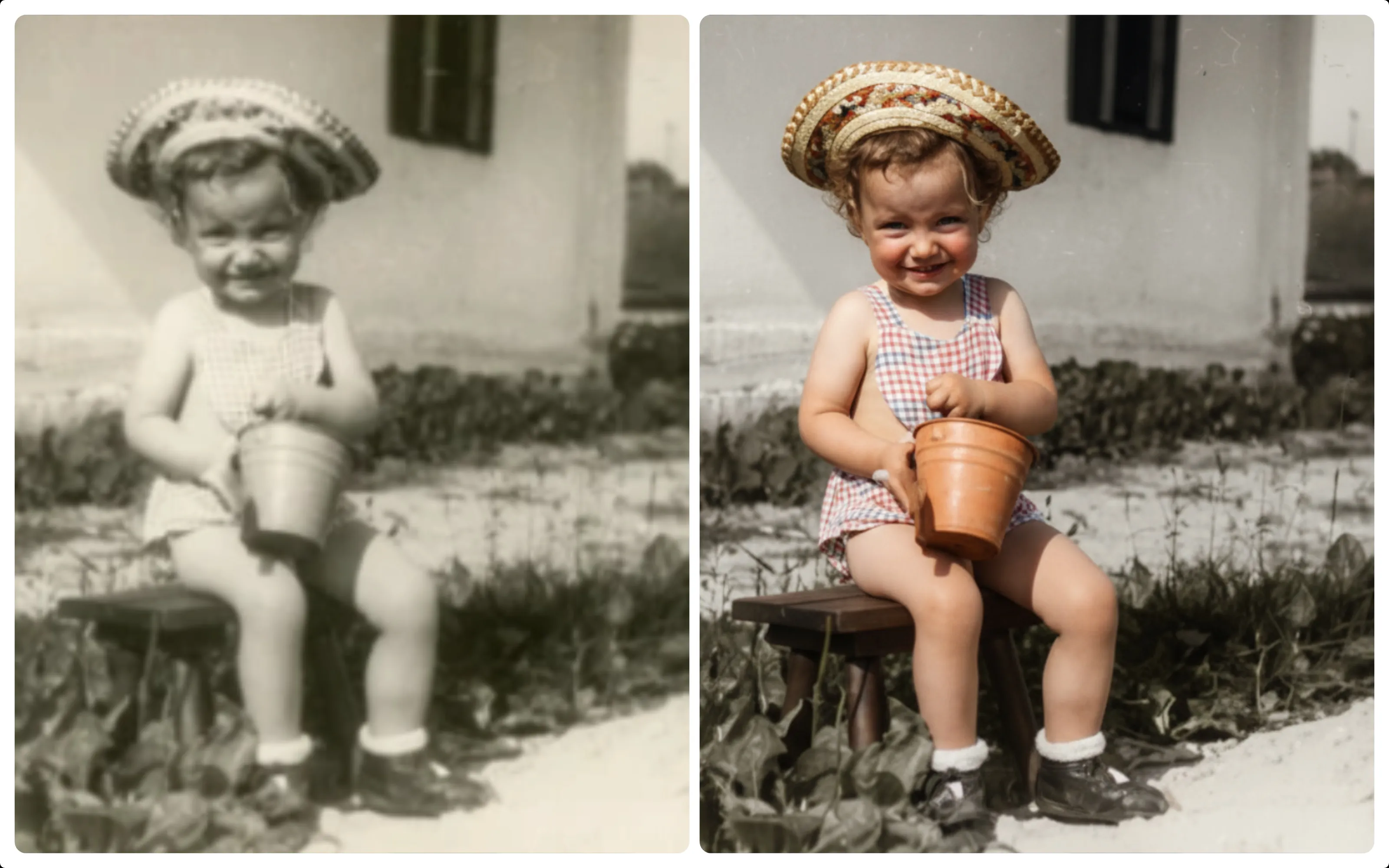
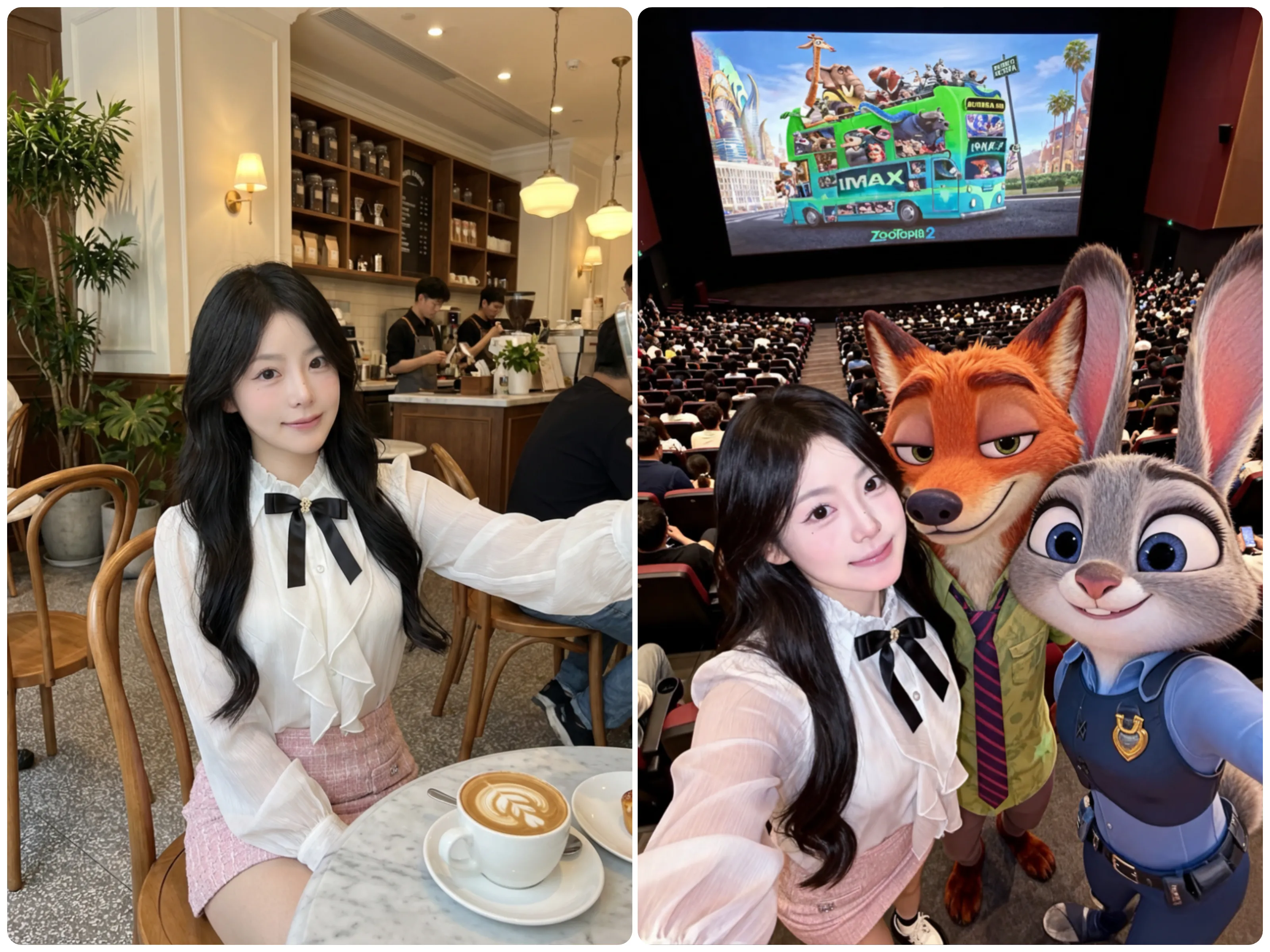
How do I edit an image with Nano Banana?
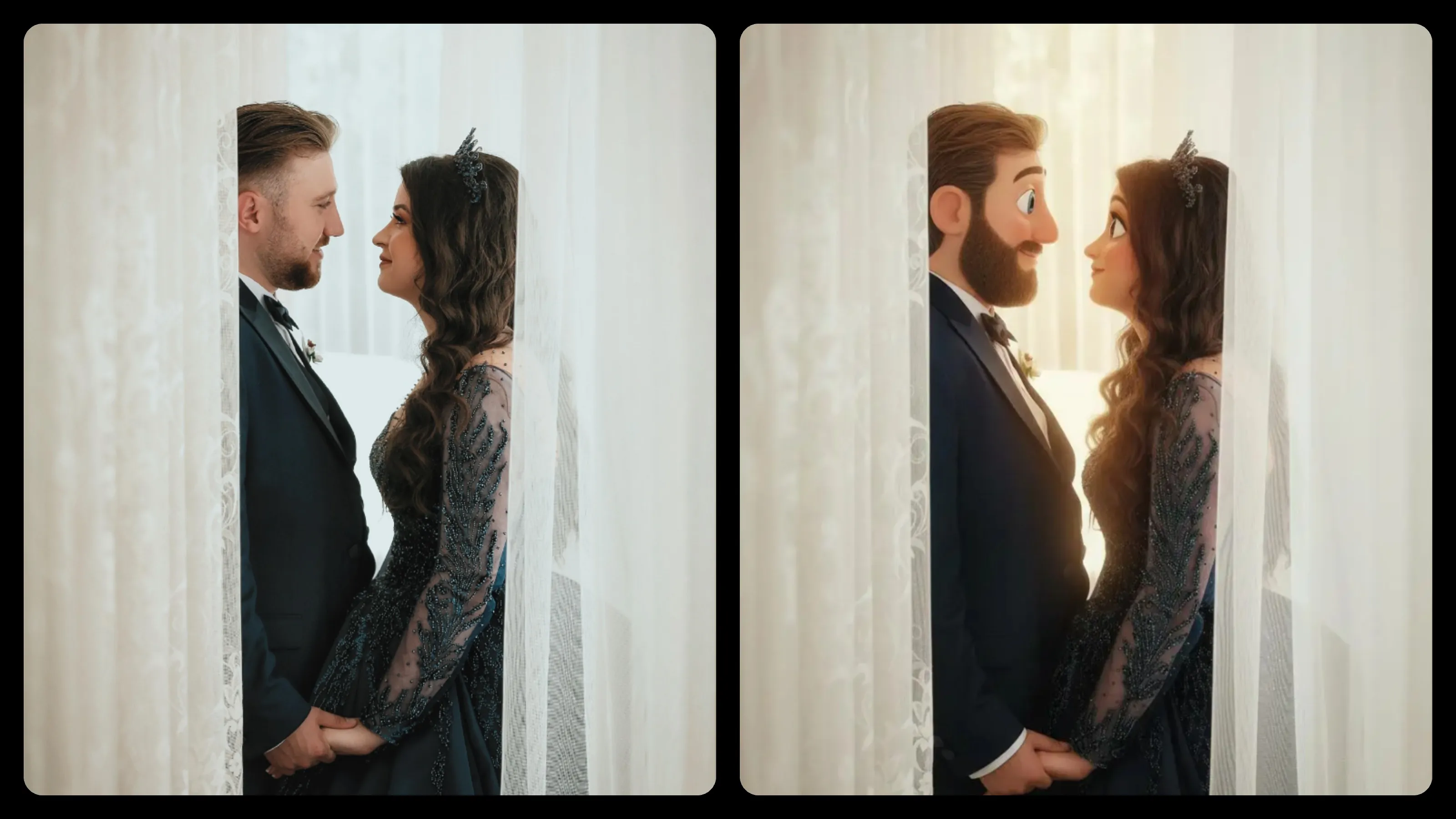
It's incredibly simple! Just upload your image, describe what changes you want in the prompt box (like 'enhance colors', 'change to cartoon style', or 'remove background'), then click Generate. Our AI will instantly process your request and deliver professional results.
What types of edits can I make?
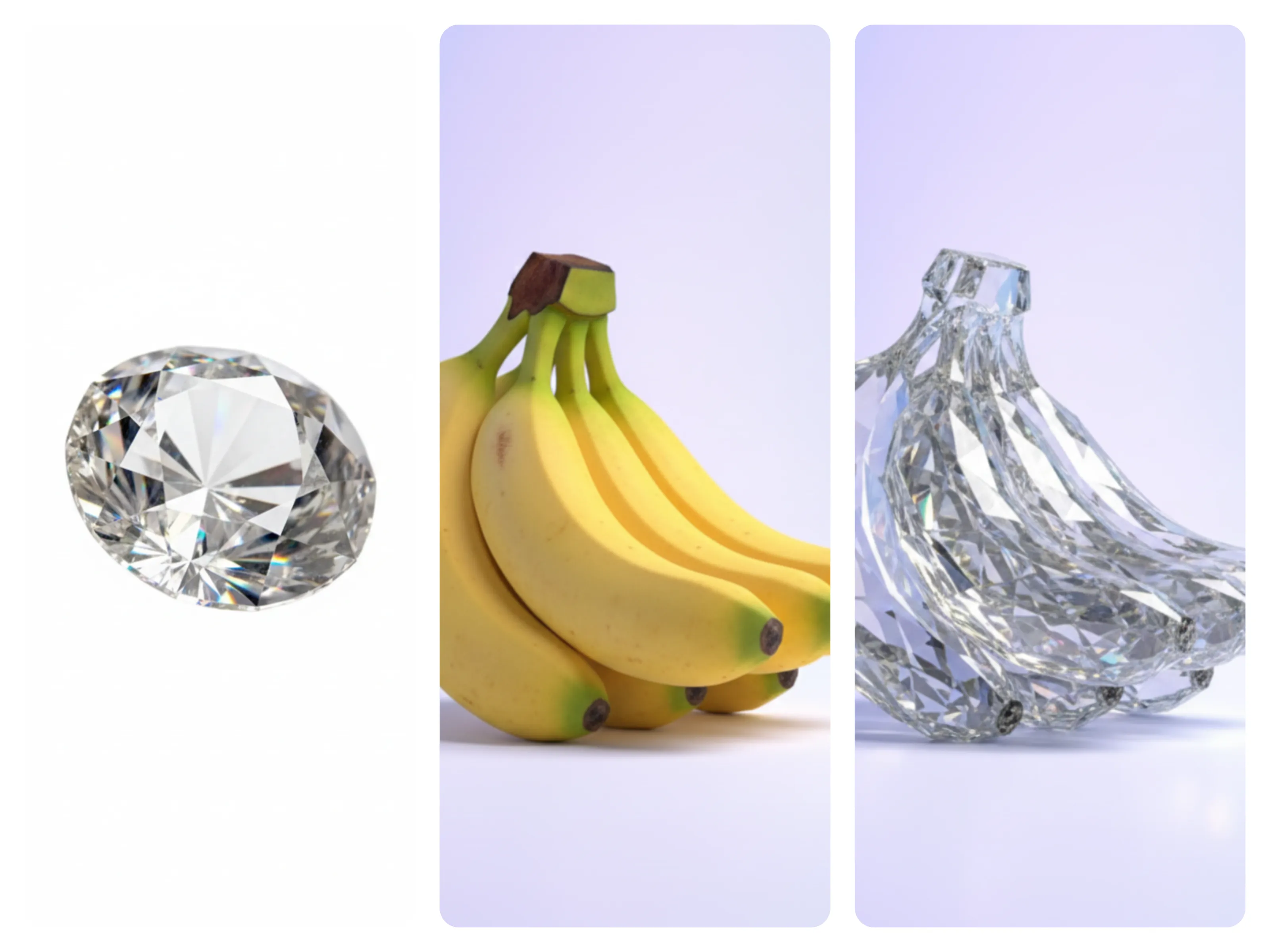
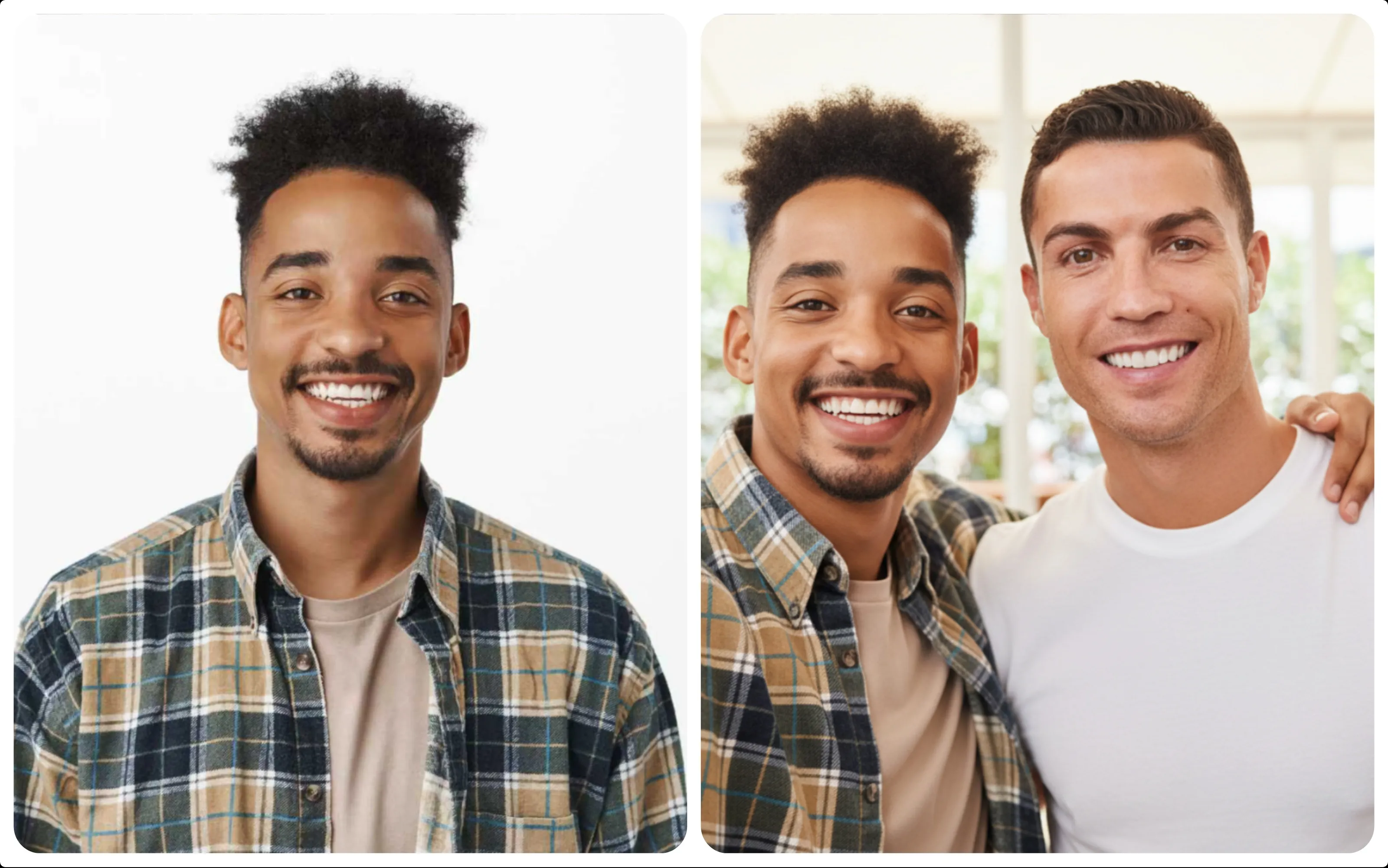
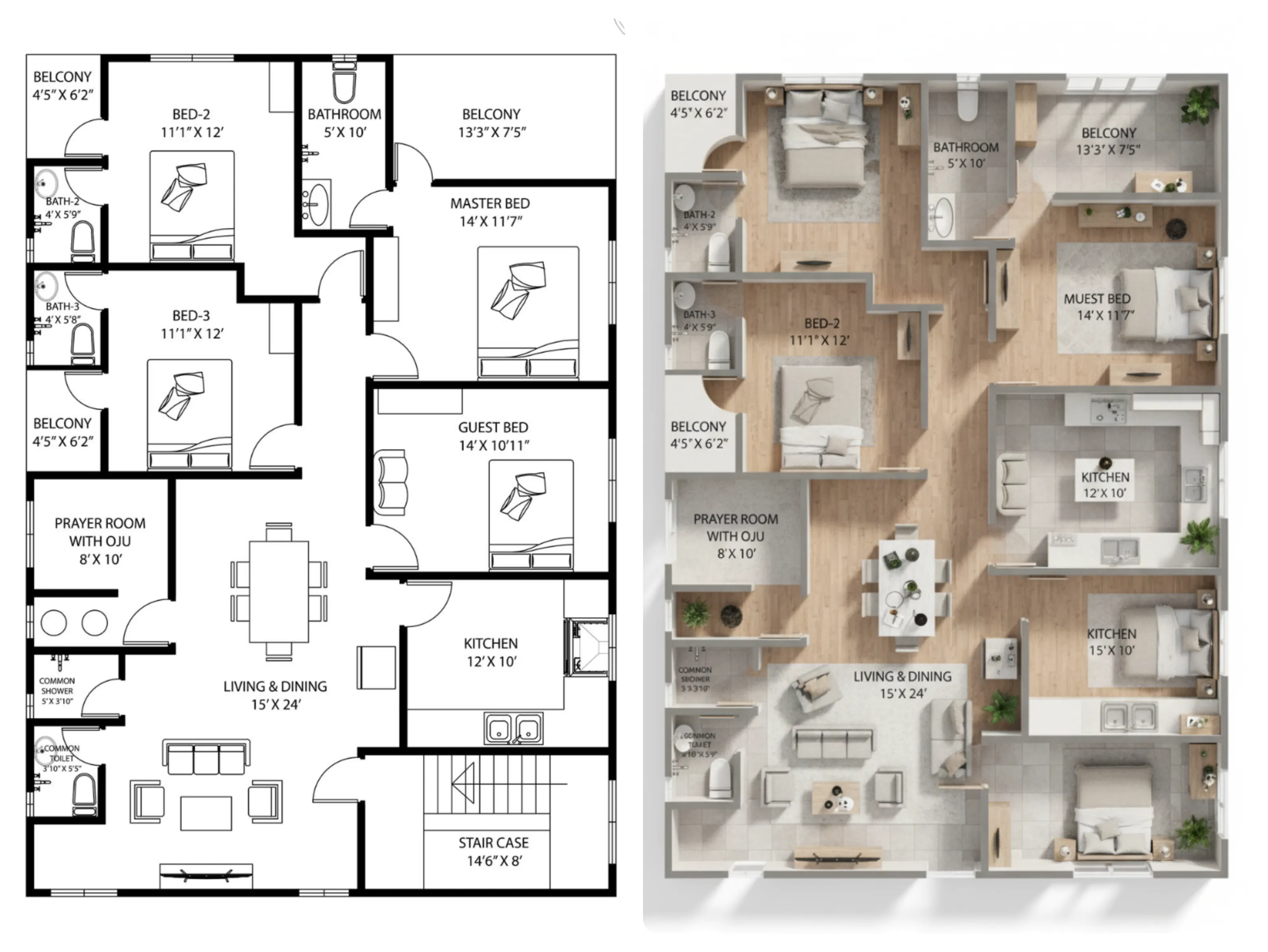
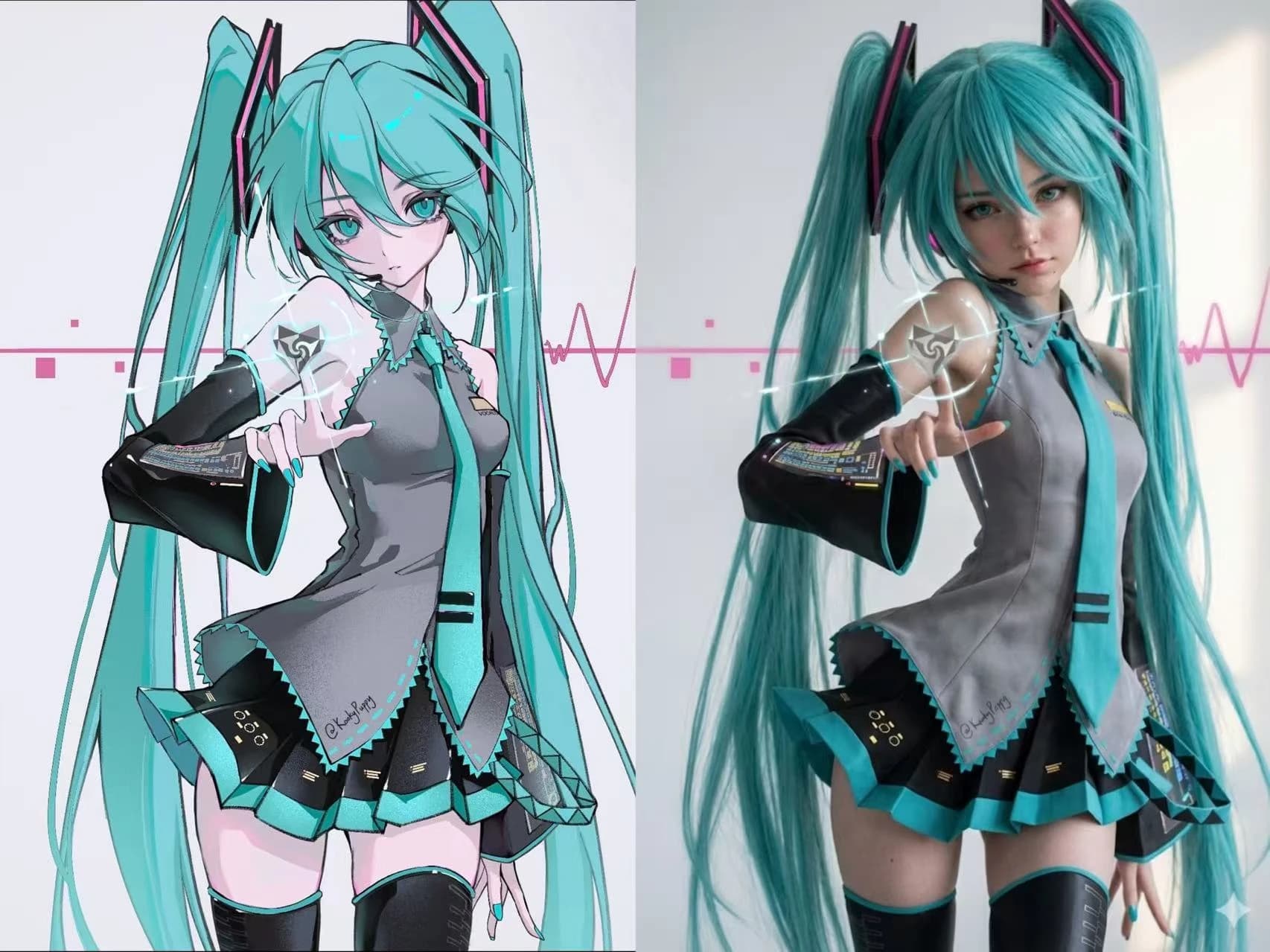
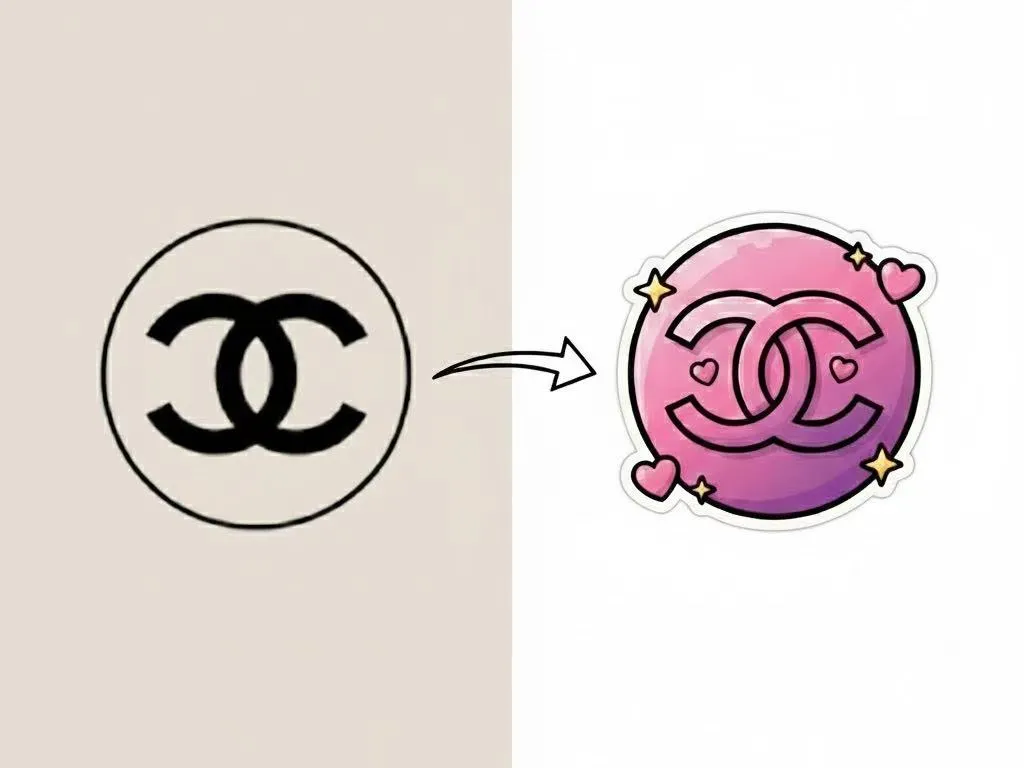
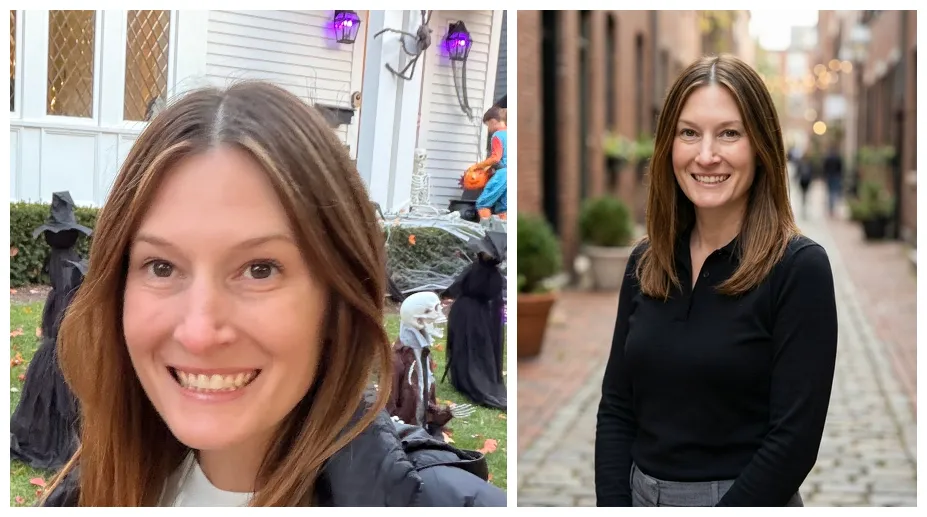
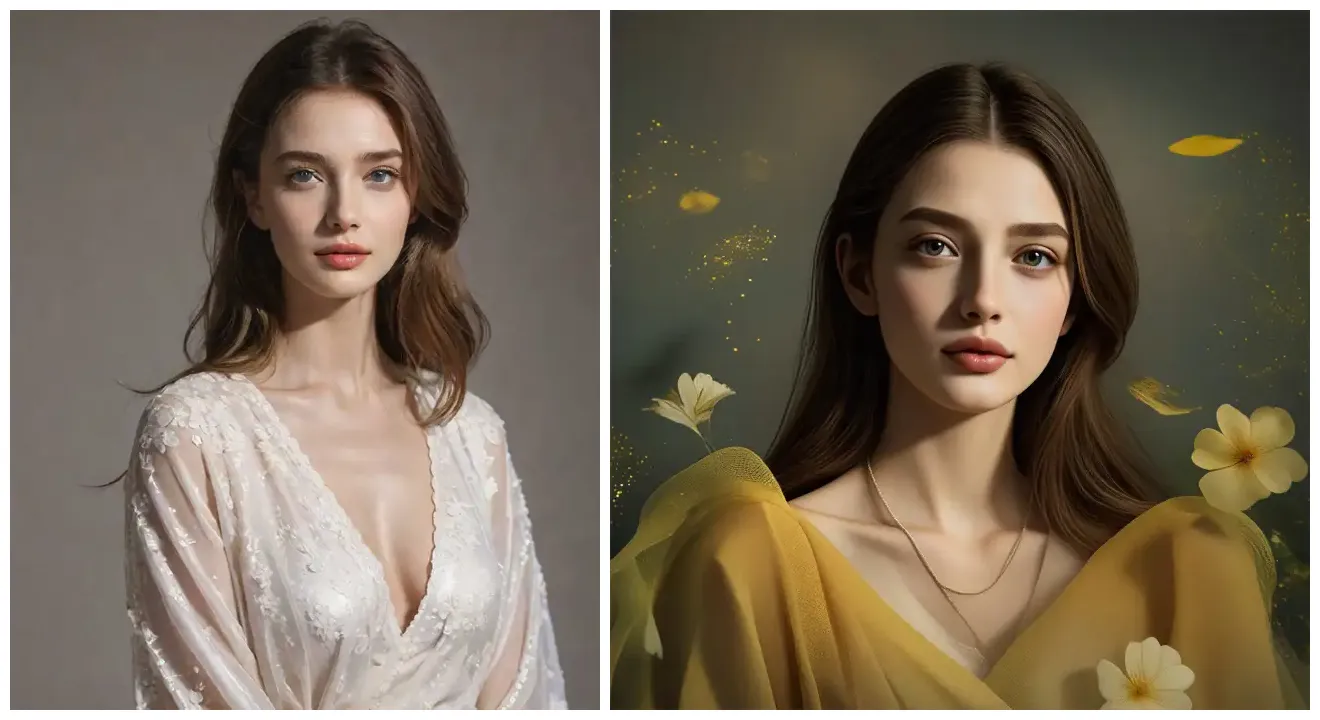
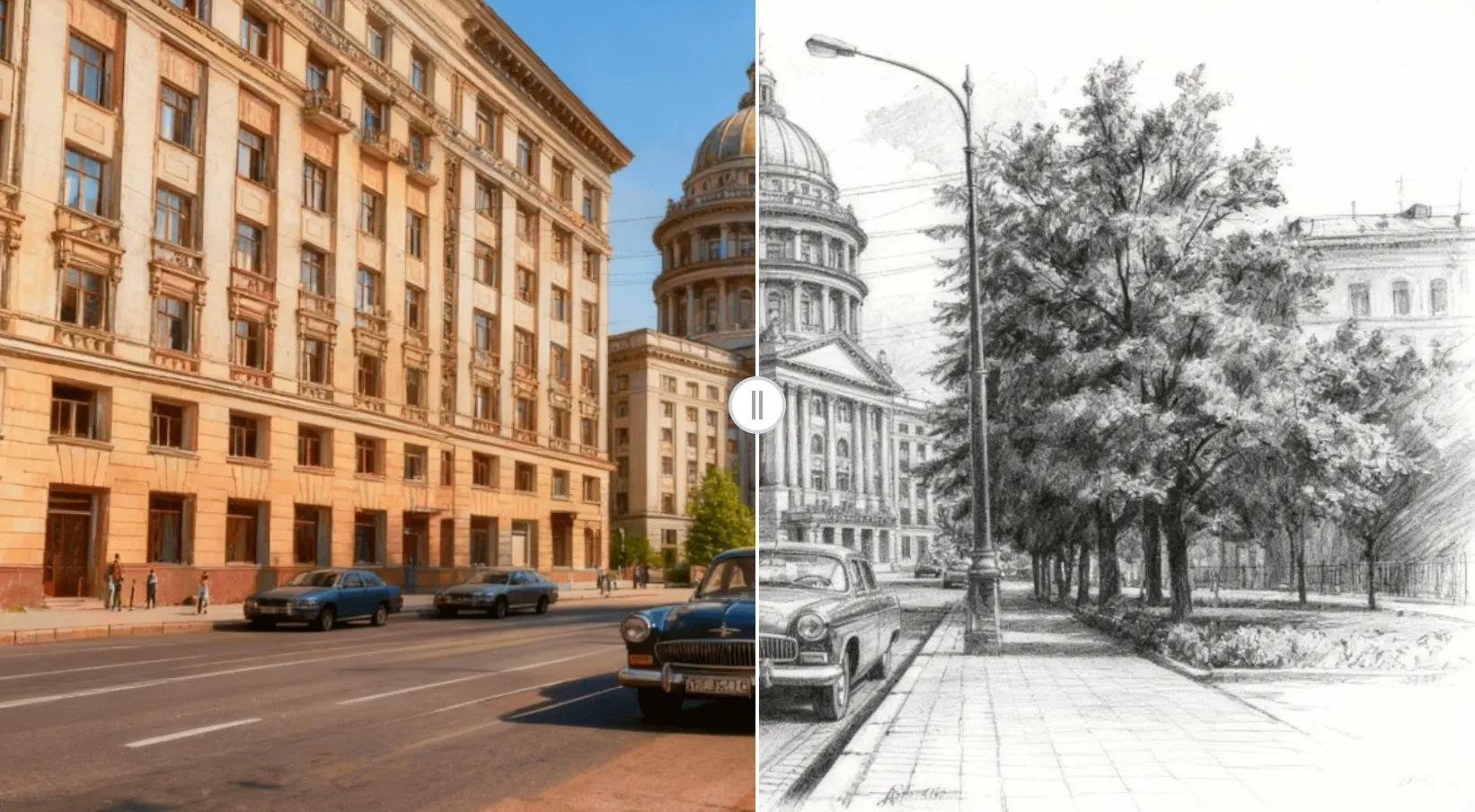
The possibilities are endless! You can enhance colors, adjust lighting, change styles (realistic to cartoon, vintage, etc.), remove or add objects, fix imperfections, upscale resolution, and much more. Just describe what you want, and our AI will make it happen.
Can I edit images for free?
Yes! Every new user gets free credits when signing up. You can use these credits to edit images with full access to all features. No credit card required to start.
How does Nano Banana AI image editing work?
Nano Banana uses state-of-the-art AI models that understand both images and text. When you upload a photo and provide instructions, our AI analyzes the visual elements and applies sophisticated transformations while maintaining image quality and coherence.
Why is Nano Banana the best AI image editor?
Nano Banana combines powerful AI technology with an intuitive interface. We offer lightning-fast processing, exceptional prompt understanding, consistent quality, and professional results. Plus, our AI is specifically optimized for various editing styles and use cases.
What image formats are supported?
Nano Banana supports all major image formats including JPG, PNG, WebP, and more. You can upload images up to 20MB in size, and export your edited images in high quality in your preferred format.
Can I use edited images commercially?
Yes! Images edited with Nano Banana can be used for commercial purposes according to your subscription plan. This includes social media, marketing materials, websites, and products.
How does Nano Banana AI Image Editor compare to Photoshop?
While Photoshop requires extensive learning and manual work, Nano Banana uses AI to achieve professional results instantly. Just describe what you want in plain language - no technical skills needed. It's perfect for quick edits, batch processing, and achieving complex effects that would take hours in traditional software.
Can I edit multiple images at once?
Currently, Nano Banana processes one image at a time to ensure the highest quality results. However, you can quickly edit multiple images in succession, and our fast processing means you'll have all your edits done in minutes.
Is my data safe with Nano Banana?
Absolutely. We take privacy seriously. All uploads are encrypted, processed securely, and we never share or sell your images or data. You maintain full ownership of your original and edited images.
What is the refund policy?
We offer a 30-day money-back guarantee if you're not happy with our product and only use less than 20 credits.
Frequently asked questions
Everything you need to know about Nano Banana AI Image Editor.